
One important role within your Okta deployment is to define your help desk team member and their access. Below screenshot shows you how to setup a Help Desk admin role.
- Create you Help Desk Agent or select any user from your list.

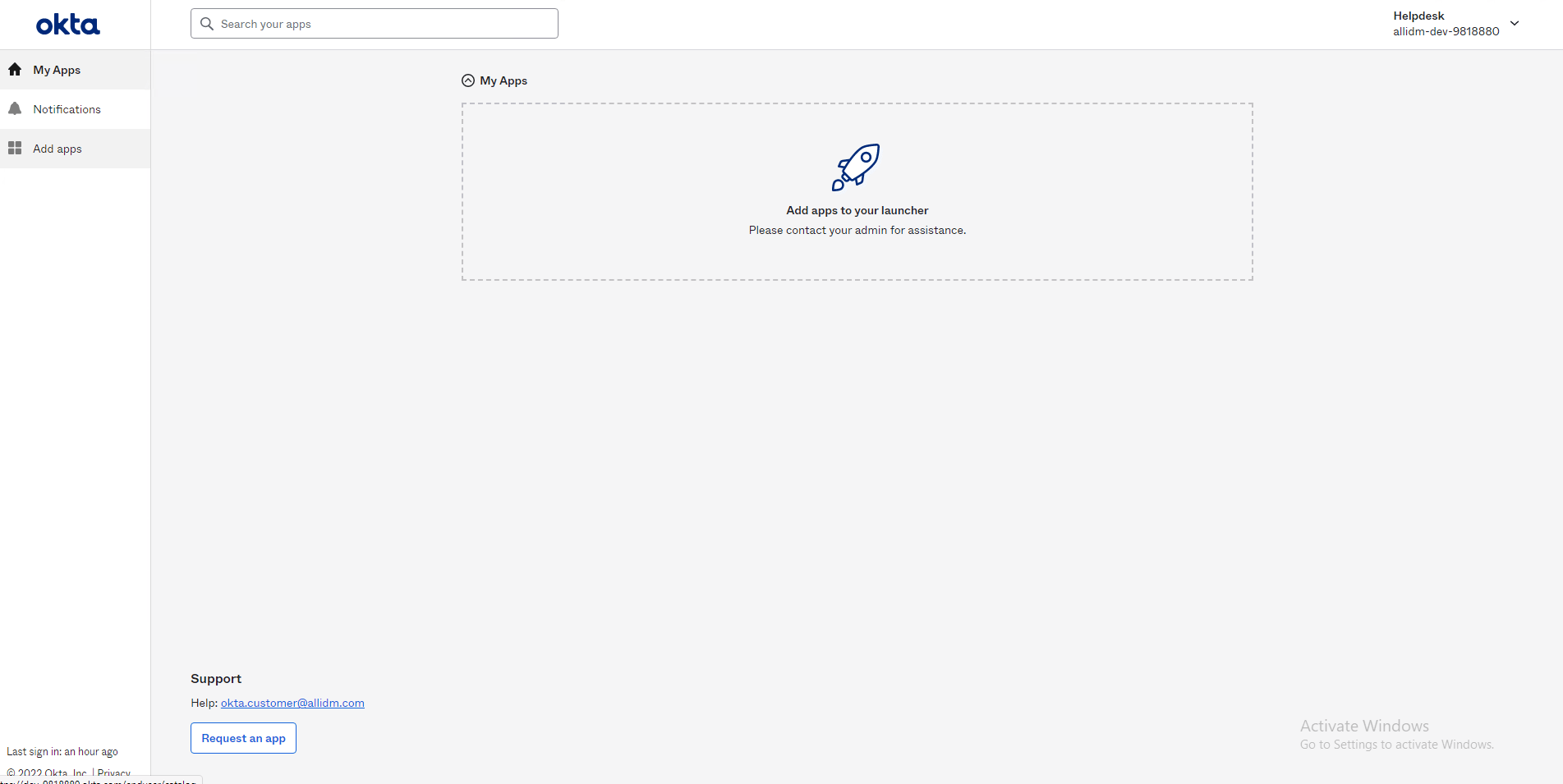
2. Before we apply the additional permissions, login with the user and check their Dashboard. As you can see in the screen below there is not additional menu options in the left.
3. Now with go to your Okta tenant and login as an administrator, click Security > Administrators > Add Administrator button.

4. Select the user you want to grant the admin role and select the checkbox Help Desk Administrator.

5. Select the scope. Click Can administer all users.

6. You will see now the help desk agent as part of the administrators with the roles granted.

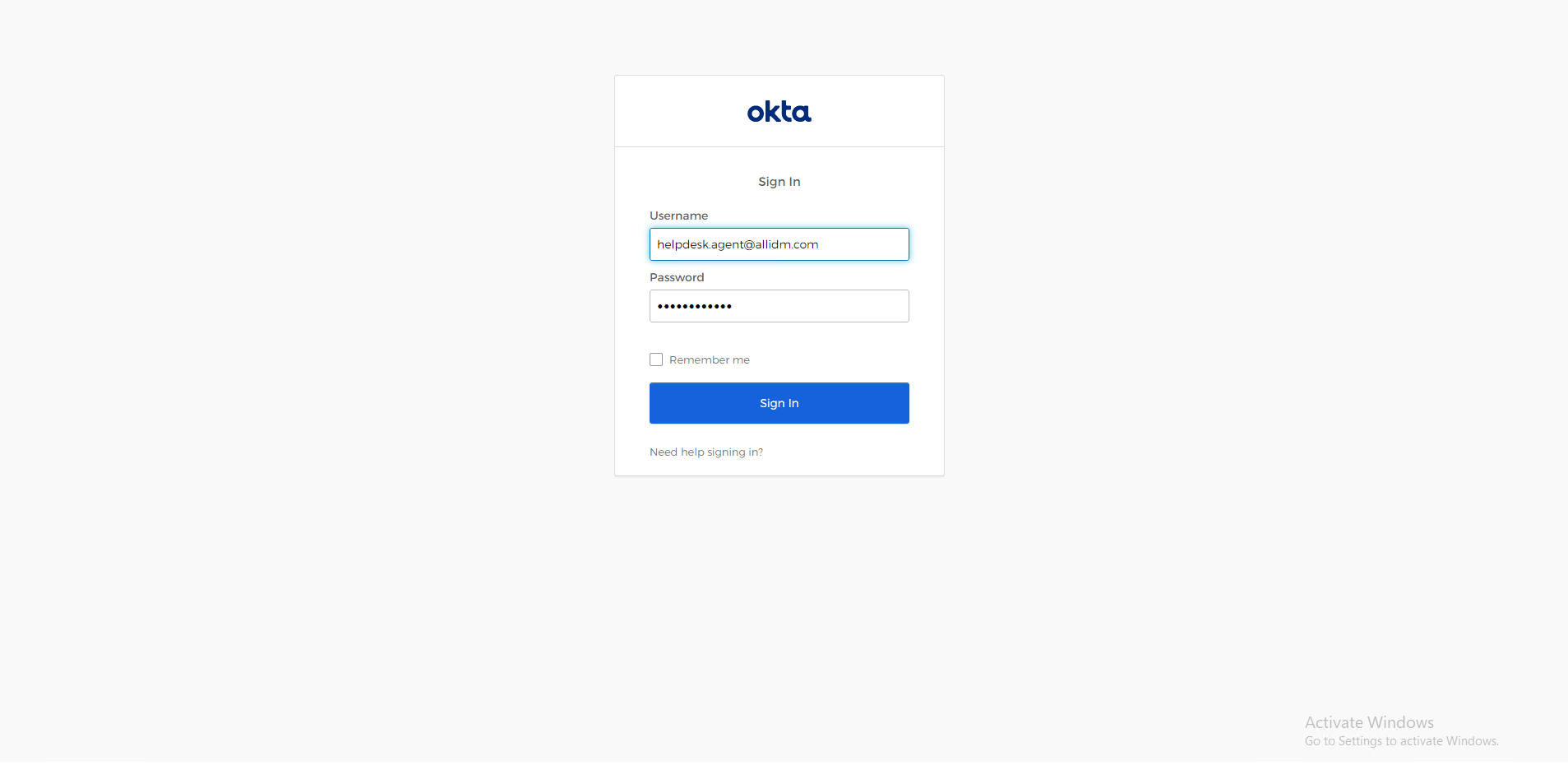
7. Login the Okta tenant using the help desk agent credentials.
8. Okta displays additional left tabs granted to the help desk. Like the People and Groups that will allow them help the company employees.

Keep visiting us for more quick Okta reviews.
Gabriel Magarino

Gabriel Magarino – Senior Security Manager | IAM Evangelist - Experienced leader with over 20 years in the IT and cybersecurity industry, specializing in Identity & Access Management. Expert in Okta, One Identity, SailPoint (IdentityIQ & IdentityNow), OneLogin, Delinea, and CyberArk. Passionate about exploring IAM and emerging technologies, coaching, and training IAM teams. Holds a Master’s in Computer Science and multiple certifications, including Okta Professional & Administration, One Identity Architect & Instructor, SailPoint Identity Now, ITIL, Scrum Master, among others. Currently pursuing a PhD with a focus on Computer Science and Artificial Intelligence.